
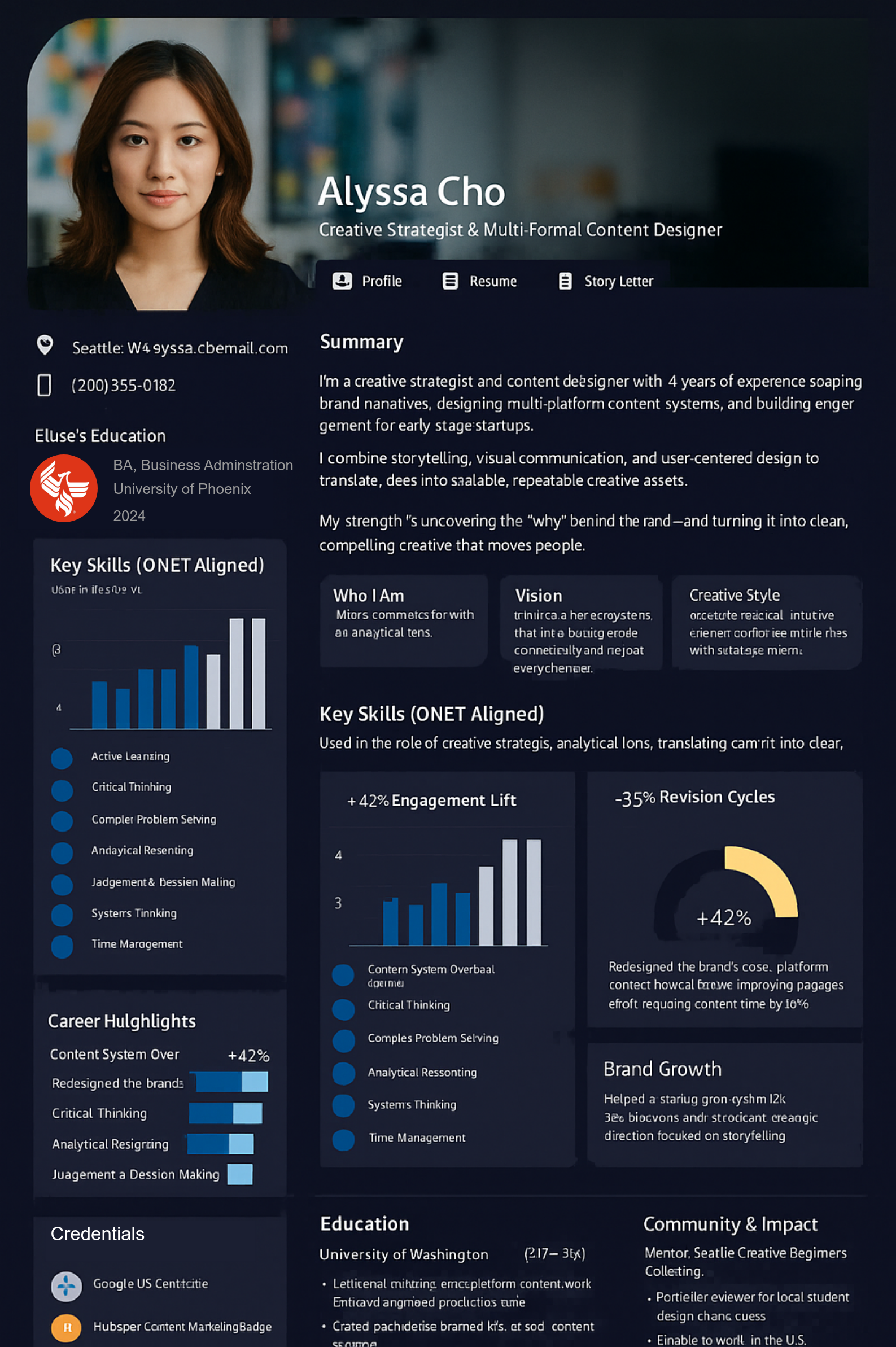
For Employees & Full-Time Workers
You solve problems, support colleagues, and take on responsibilities that don’t always appear in your job description.
TalentPass helps you describe that experience, recognize the strengths behind it, and build a professional profile you can use in career conversations and new opportunities.
Available in public beta. See current product availability.
You’ve taken on new responsibilities, learned new tools, or become the person others turn to. Your title still tells the same old story.
A problem you prevented, a colleague you helped, or a process you improved can disappear into the next busy week.
You may be ready for more responsibility or a different role, but need clearer examples of what you can already do and what you want to develop.
Bring relevant responsibilities, accomplishments, learning, and supporting examples into a professional profile that goes beyond your title.
Use specific examples to explain your contribution, discuss your interests, and identify responsibilities you’d like to take on.
Bring relevant experience into a professional introduction or job application without rebuilding your history from scratch.
Start with your résumé or professional history. Add projects, responsibilities, learning, and accomplishments that those records leave out.
Pythia, your AI guide, helps you describe what happened, what you did, and what you learned. Review and correct the resulting descriptions.
Identify experience that demonstrates your contribution and supports your next goal. Explain your role in team outcomes and include evidence you can appropriately share.
Use your professional profile for introductions or applications, and draw on its examples when preparing for career conversations. Update it as your experience grows.
Bring together examples of your responsibilities, accomplishments, and development. Use them to prepare a clearer account of your contribution alongside your employer’s review process.
Connect experience from your current role to the work you want to explore. Explain relevant skills and identify where you would need further learning or practice.
Document how your responsibilities have changed. Describe the additional work and its value so you have concrete examples for a conversation about your role.
Reflect on the work you’re learning to do differently, including how you use AI. Describe where your judgment, collaboration, and practical knowledge contribute to the outcome.
Find examples and practical guidance on describing work achievements, recognizing transferable skills, preparing for career conversations, and navigating changing responsibilities.
No. Bringing your experience together can also help you understand your strengths and prepare for conversations about development or changing responsibilities. Current profile uses include professional networking and job applications.
Describe the situation, what you did, and what changed. Helping a colleague, improving a handoff, resolving a recurring issue, or sharing practical knowledge can be meaningful examples. Use numbers when you have them; don’t invent precision.
Yes. Explain the team’s goal and identify your own responsibilities and actions. Give colleagues credit and distinguish shared results from your individual contribution.
Only include material you have permission to use and share. You can often explain your role and approach without uploading internal documents or revealing customer, colleague, or business information.
You can build your individual TalentPass without an employer using TalentSync. Employer-connected workflows depend on the organization’s participation and the capabilities available in its implementation.
No. You can use relevant examples from your experience to prepare for reviews, but your employer’s process remains its own. Dedicated performance, recognition, and organizational connections are part of the broader development roadmap.
Bring your experience together, understand your contribution, and prepare to show what you can bring next.

This website uses cookies. Essential cookies are required for the site to function properly. With your consent, we may also use functional, analytics and marketing cookies. Click "Settings" to choose categories, or "Accept All" to consent to all cookies. You can change your preferences at any time.
Cookies are small text files stored on your device.
You can change your preferences at any time by clicking the cookies icon.


