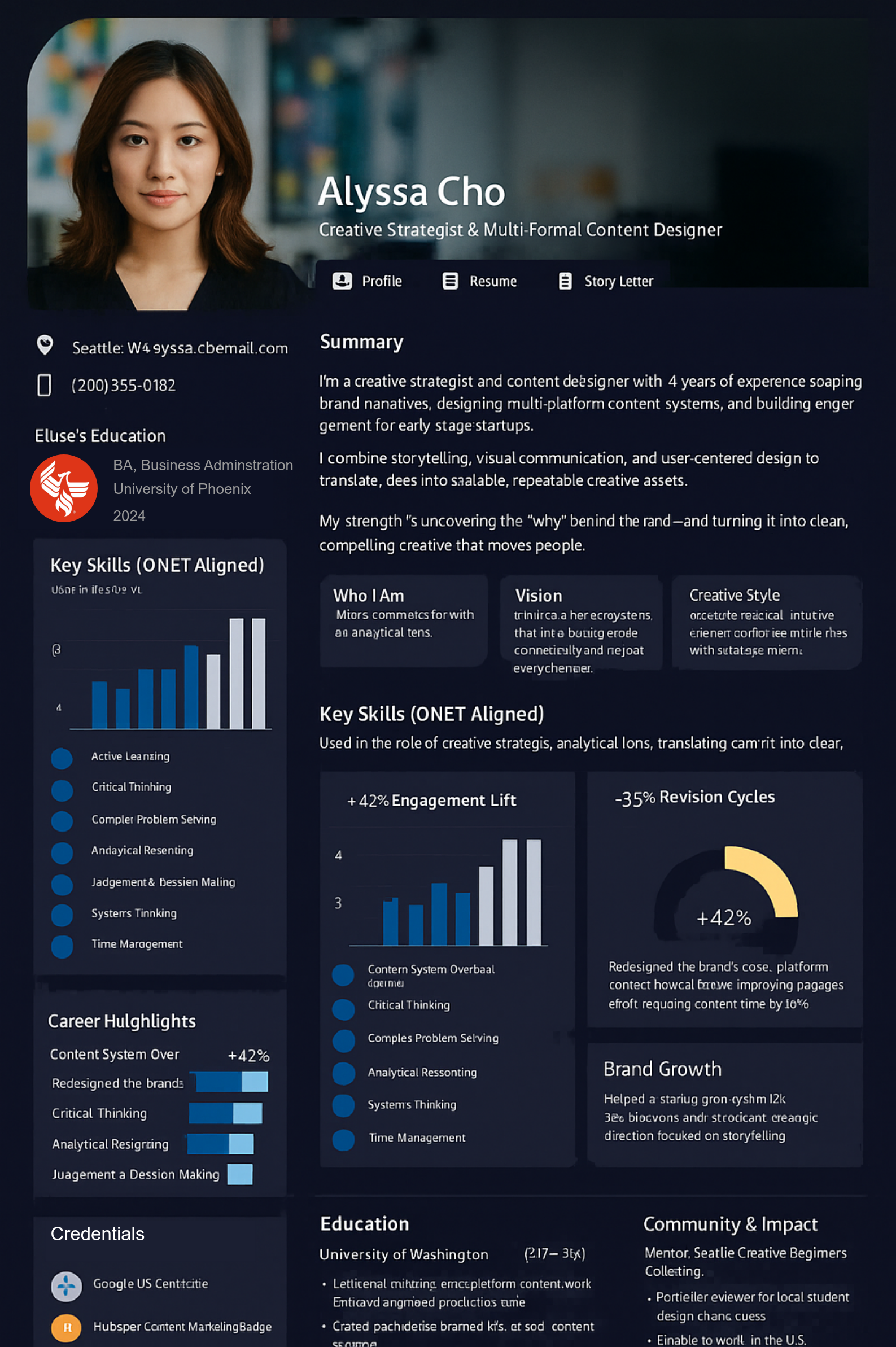
Your experience spans projects, clients, and responsibilities. A service list or short introduction can leave out what makes that experience valuable.
TalentPass helps you connect what you’ve done, explain your contribution, and share a professional profile that gives prospective clients and collaborators more context.
You’ve done the work. Showing its value takes work, too.
Your experience is scattered.
Projects, work samples, recommendations, and professional history sit across different platforms and documents. Prospective clients rarely see the whole picture.
Finished work doesn’t explain your contribution.
A deliverable may show what was produced without explaining the problem you solved, the judgment you brought, or your role in the result.
Every introduction starts from scratch.
You keep selecting examples and rewriting your background to explain why you’re relevant to a different client or engagement.
Give clients a clearer picture of how you can help.
Build a professional profile that brings your relevant experience, capabilities, and supporting examples together.
Describe the problems you’ve helped solve.
Explain your responsibilities within each engagement.
Show skills through examples of applying them.
Put deliverables and results in context.
Connect experience across clients, industries, and earlier roles.
Give referrals somewhere useful to lead.
Share your profile with professional contacts so someone hearing your name can explore the experience behind the recommendation.
Support a more focused client conversation.
Use relevant examples to explain the work you know well, your approach, and where your experience fits the client’s needs.
Turn separate engagements into a connected professional story.
1. Start with your project history.
Bring your résumé or professional background, then identify the engagements and responsibilities that best represent your work.
2. Talk through your contribution.
Pythia, your AI guide, helps you describe the client’s need, your role, and what you did. Review the descriptions and correct anything that misses the context.
3. Add examples that support your story.
Include relevant work examples, qualifications, and accomplishments you can share. Distinguish your own contribution from work completed by clients, partners, or other contributors.
4. Create a profile and share it.
Bring forward the experience that matters for your professional introduction. Share your profile with prospective clients and collaborators, and update it as you complete new work.
Make your experience useful in your next engagement.
Starting independent work?
Connect experience from employment, projects, and learning to the services you plan to offer. Explain what you’ve already done and where you’re building new experience.
Working across several kinds of projects?
Help clients understand the capabilities that connect your work. Bring forward the examples most relevant to the problem they need help solving.
Moving toward a specialty?
Identify the engagements, knowledge, and practical skills that support your chosen focus. Show how your experience has developed in that direction.
Returning to a former client?
Update your professional story with relevant work and learning since your last engagement. Give the client a clearer picture of what you can contribute now.
Explore ways to show the value of your work.
Find examples and practical guidance on describing project experience, explaining your contribution, presenting relevant expertise, and strengthening professional introductions.
Your strongest client work may be protected by confidentiality, intellectual-property, or privacy obligations. You can still communicate your contribution by ...
For academics, scholars, and researchers, the work you produce is the foundation of your reputation: papers, studies, conference...
Previous
Next
A few things you might be wondering.
Is this only for creative freelancers?
No. Independent professionals can contribute through consulting, technical work, operations, research, project delivery, and many other services. Your examples can explain your approach and contribution even when the work doesn’t produce a visual portfolio.
Does TalentPass replace my website or portfolio?
You can use it alongside them. Your website explains your services, and your portfolio presents selected work. TalentPass helps connect that work with your broader experience, capabilities, and professional background.
What if I can’t name a client or share the deliverable?
Use only information you’re permitted to share. Where appropriate, describe the type of challenge, your responsibilities, and your approach without identifying the client or disclosing confidential material.
How should I describe results from a collaborative project?
Explain the overall outcome, then specify your role and actions. Give other contributors credit and avoid implying that every result came from your work alone.
Will TalentPass bring me clients or manage my contracts?
TalentPass helps you prepare and share your professional story. Client acquisition, proposals, contracts, invoicing, and project management are separate activities. Check Product Availability before assuming a particular business workflow is supported.
What can I use today?
TalentPass currently supports professional networking and job application profiles. A networking profile can support introductions to prospective clients and collaborators. Broader capabilities for portfolios, services, and organizational connections are at different stages of development.
This website uses cookies. Essential cookies are required for the site to function properly. With your consent, we may also use functional, analytics and marketing cookies. Click "Settings" to choose categories, or "Accept All" to consent to all cookies. You can change your preferences at any time.
Cookie Settings
🔒 Necessary
These cookies are essential for the website to function properly. They include remembering your consent preferences. They cannot be disabled.
Always Active
⚙️ Functional
These cookies enable additional functionality such as live chat, embedded media, or personalized widgets. Without them, some features may not be available.
📊 Analytics
These cookies help us understand how visitors use our website by collecting anonymous statistics. This allows us to improve our content and services.
📢 Marketing
These cookies are used to display personalized ads and measure the effectiveness of advertising campaigns. They may be set by third-party advertising networks.
Necessary0
▶
No cookies detected in this category
Functional0
▶
No cookies detected in this category
Analytics0
▶
No cookies detected in this category
Marketing0
▶
No cookies detected in this category
Cookies are small text files stored on your device.
You can change your preferences at any time by clicking the cookies icon.