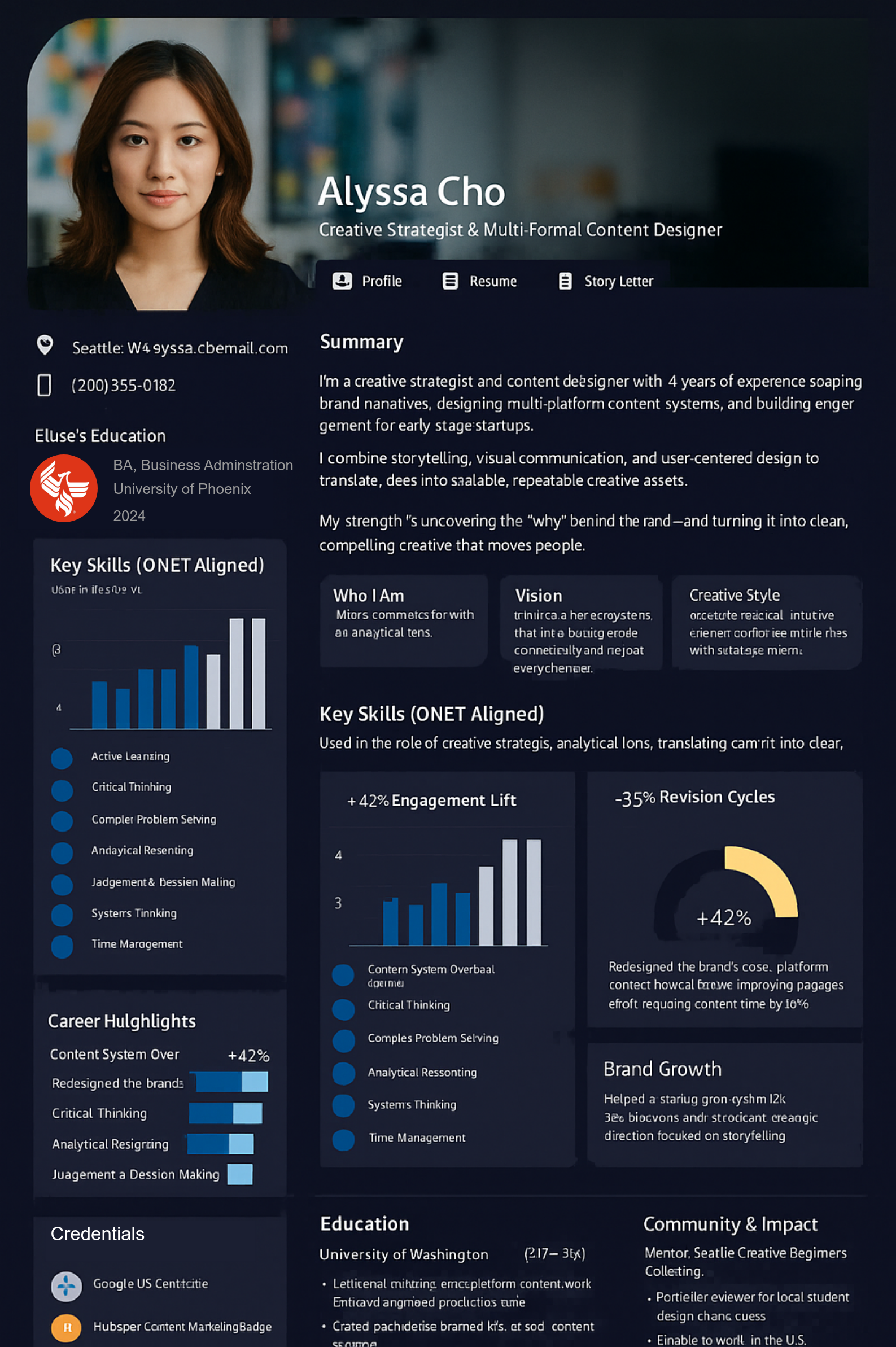
Your qualifications are an important part of your professional story. So are the years of practice, specialized knowledge, and judgment you’ve developed along the way.
TalentPass helps you bring that experience together and create a professional profile that shows what you can contribute.
Two people can hold the same qualification and bring very different experience. A title or license alone doesn’t explain the work you’ve done or the situations you know well.
Your learning is scattered.
Courses, certifications, practical training, and professional development can sit in separate records, making it difficult to explain how your expertise has grown.
Every new opportunity needs context.
An employer, colleague, or potential collaborator may need to understand your particular experience—not just see a list of qualifications.
Put your qualifications and experience in context.
Build a professional profile that connects your background with examples of how you apply your knowledge.
Present relevant licenses, certifications, and education.
Describe the settings and responsibilities you’ve worked in.
Explain specialized skills through examples of practice.
Connect ongoing learning with your professional development.
Include teaching, mentoring, leadership, and other contributions.
Make professional introductions more useful.
Give employers and professional contacts a clearer understanding of your background, areas of experience, and interests.
Prepare for your next professional step.
Bring relevant qualifications and experience together when exploring a new role, a different setting, or a leadership opportunity.
Connect what you’ve earned with what you’ve learned in practice.
1. Start with your professional background.
Bring together your résumé or professional history and details of relevant qualifications. Identify the roles, settings, and responsibilities that best represent your experience.
2. Talk through your work with Pythia.
Your AI guide helps you describe what you’ve done, the skills you’ve used, and what you’ve learned. Review its suggestions to make sure they accurately reflect your experience.
3. Add relevant learning and evidence.
Include qualifications, professional development, and examples you can appropriately share. Describe how learning relates to your work and keep qualification details accurate.
4. Create a profile for the opportunity.
Choose the experience that matters for an introduction or application. Update your profile as your work, learning, and professional interests develop.
Help others understand the professional you’ve become.
Moving into a different setting?
Explain which parts of your experience are relevant to the new environment, alongside any additional preparation you may need.
Developing a specialization?
Bring together related training and practical experience. Make clear which qualifications you hold and which areas you’re still developing.
Taking on leadership or mentoring?
Show how you’ve supported colleagues, guided teams, taught others, or improved the way work gets done.
Returning after time away?
Bring your earlier experience together with recent learning and preparation. Present your background clearly, including the current status of relevant qualifications.
Explore ways to present your professional expertise.
Find examples and guidance on connecting qualifications with practical experience, describing specialized skills, and preparing your professional story for new opportunities.
Research and case-based work can demonstrate significant professional growth, but the underlying information may be confidential or regulated. A responsible ...
Specialized expertise is more than a title or list of certifications. Connecting training, experience, credentials, and professional contribution can create ...
Continuing education records may be scattered across providers, employers, and professional systems. Connecting authorized learning to your career story can ...
Prospective customers cannot evaluate your experience from promises alone. Connecting authorized project evidence, qualifications, outcomes, and feedback can help them ...
Previous
Next
A few things you might be wondering.
Is TalentPass a licensing or credentialing service?
TalentPass helps you organize and present your professional background. It does not issue professional licenses or replace the checks required by licensing bodies, employers, or other receiving organizations.
Can I include continuing education?
You can describe relevant courses and professional development as part of your experience. Dedicated tools for tracking renewal requirements or submitting continuing education records should not be assumed to be available. See Product Availability for current capabilities.
Does adding a credential mean it has been verified?
No. Including a credential in your profile is different from independently verifying it. Verification depends on the record, its source, and the checks available. Pythia’s descriptions do not establish licensing status or professional eligibility.
How can I describe my work without exposing confidential information?
Focus on your responsibilities, methods, learning, and contributions. Use only examples and materials you are permitted to share, and leave out identifying or confidential details about the people and organizations involved.
Can I use my profile when applying for a new role?
Yes. Job application profiles are a current TalentPass use case. Use your profile to provide relevant context alongside any official qualifications, applications, or checks the employer requires.
What can I use today?
TalentPass currently supports professional networking and job application profiles. Broader capabilities for credential connections, ongoing development, and organizational exchange are at different stages of development.
This website uses cookies. Essential cookies are required for the site to function properly. With your consent, we may also use functional, analytics and marketing cookies. Click "Settings" to choose categories, or "Accept All" to consent to all cookies. You can change your preferences at any time.
Cookie Settings
🔒 Necessary
These cookies are essential for the website to function properly. They include remembering your consent preferences. They cannot be disabled.
Always Active
⚙️ Functional
These cookies enable additional functionality such as live chat, embedded media, or personalized widgets. Without them, some features may not be available.
📊 Analytics
These cookies help us understand how visitors use our website by collecting anonymous statistics. This allows us to improve our content and services.
📢 Marketing
These cookies are used to display personalized ads and measure the effectiveness of advertising campaigns. They may be set by third-party advertising networks.
Necessary0
▶
No cookies detected in this category
Functional0
▶
No cookies detected in this category
Analytics0
▶
No cookies detected in this category
Marketing0
▶
No cookies detected in this category
Cookies are small text files stored on your device.
You can change your preferences at any time by clicking the cookies icon.